 MarineOps
 Bank Feeds & Reconciliation
On the Elite plan, connect your business bank account and MarineOps imports every deposit and withdrawal, matches deposits to the invoices they paid, and helps you categorize the rest — so your books match the bank to the penny, month after month.
Connect your bank
- Open Settings → Bank Accounts and click + Connect Bank Account.
- Pick your bank and sign in. Your bank login goes directly to Plaid, the service banks and apps like Venmo use — MarineOps never sees or stores it.
- Choose the business account(s) to connect.
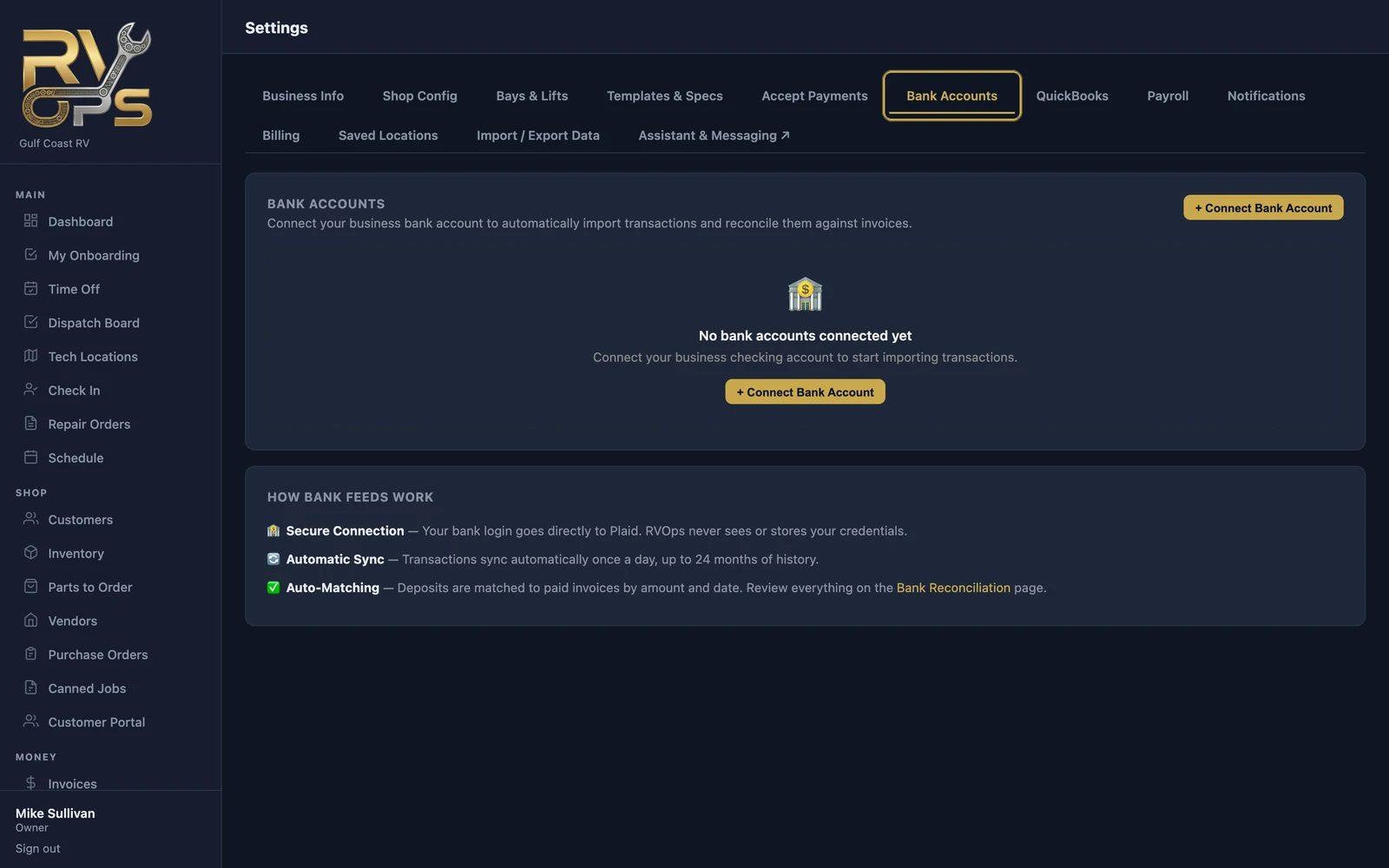
Transactions sync automatically once a day, with up to 24 months of history the first time.
Reconcile
Open Money → Bank Reconciliation. Each transaction that isn't accounted for yet is listed with what you can do with it:
| Action | For |
|---|---|
| Confirm Match | MarineOps found the invoice (or Square payout) a deposit paid — confirm it's right |
| Match to Invoice | A deposit for one or several invoices |
| Match to Expense | A withdrawal — match it to an expense you entered, or create the expense right there |
| Match to Other Income | Money in that isn't from a customer invoice |
| Petty Cash | Cash moved to or from the cash drawer |
| Ignore | Transfers between your own accounts and other non-business items |
When everything's accounted for, the page says All caught up.
Rules save time
Click Rules to teach MarineOps how to categorize recurring transactions — "anything from NAPA is Parts / Cost of Goods Sold", "Florida Power & Light is Utilities". New transactions that match a rule are categorized for you. MarineOps also suggests rules as you work.
Closing a month
At month end, check Reports → Bank Recon: it compares your books to the bank for each month. When they match, close the period so nothing in it can change by accident.