 MarineOps
 Help Center › Your Account
Cancelling Your Subscription
What happens to your shop and your data.
Included in: Every plan
You can cancel any time from MarineOps — no phone call, no contract.
Cancel
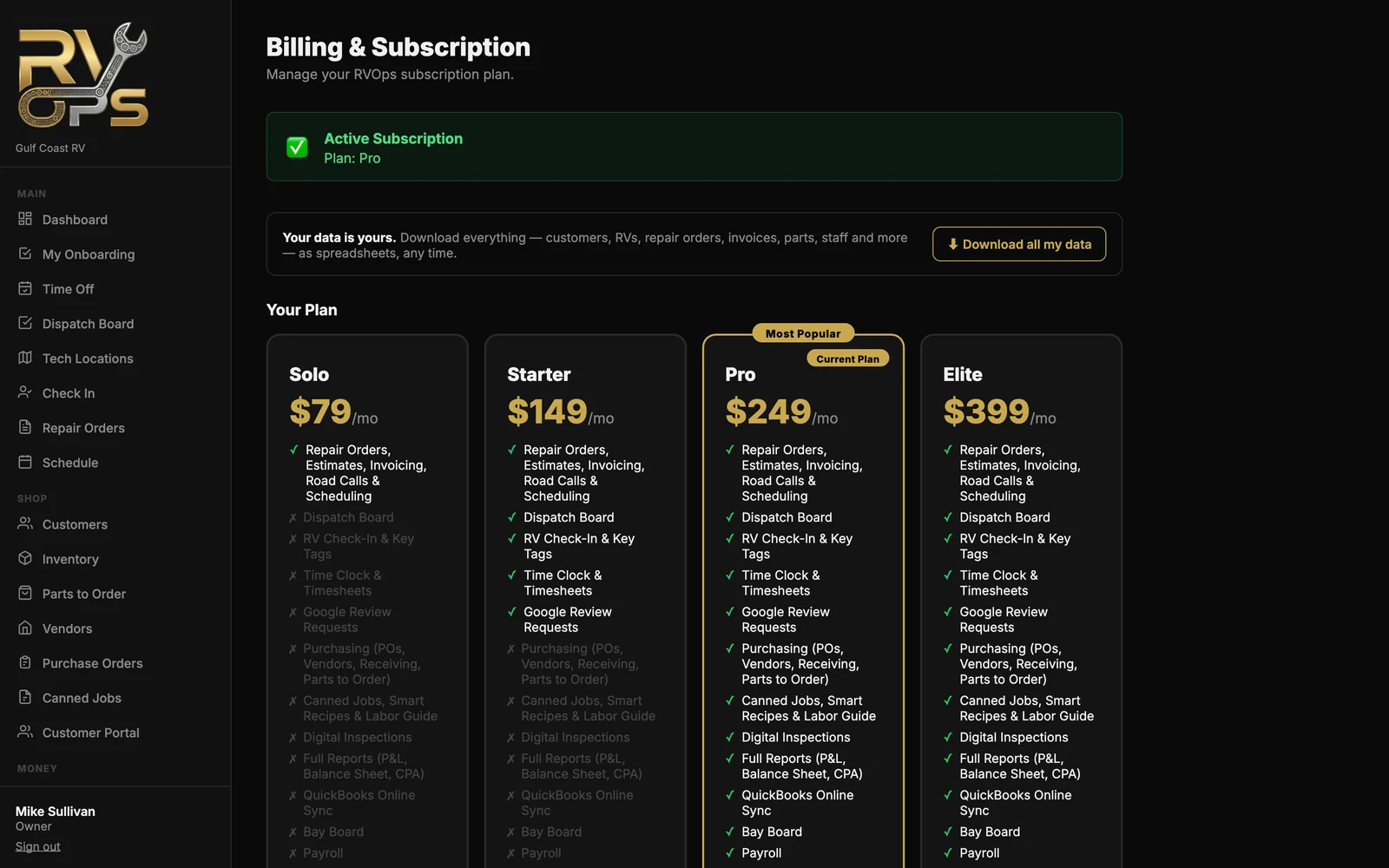
- Open Settings → Billing (shop owner only).
- Click Cancel subscription and confirm.
What happens next
- You keep MarineOps until the end of the period you've paid for. Nothing changes until then.
- Changed your mind before then? Click Undo on the billing page and your subscription simply continues.
- After it ends, your team can't log in, but the owner can still sign in to download all your data for 90 days (see Exporting Your Data).
- We email you a reminder 14 days and again 3 days before your data is deleted.
- After 90 days, your shop's data is permanently deleted, including photos and documents. Any connected bank accounts are disconnected right away when the subscription ends.
Want to come back later? Download your data before the 90 days are up — it can be imported into a new MarineOps account.
Still stuck? Send us a message (or email [email protected]) and tell us what you were trying to do — we answer within one business day.