 MarineOps
 Help Center › Shop Tools
Your Labor Guide
Keep your own flat-rate times and import them from a spreadsheet.
Included in: Pro plan and up
Your labor guide is your shop's book of standard times — "replace awning motor: 1.5 hours". With it filled in, the right hours drop onto a labor line as you type the description, so every writer quotes the same job the same way.
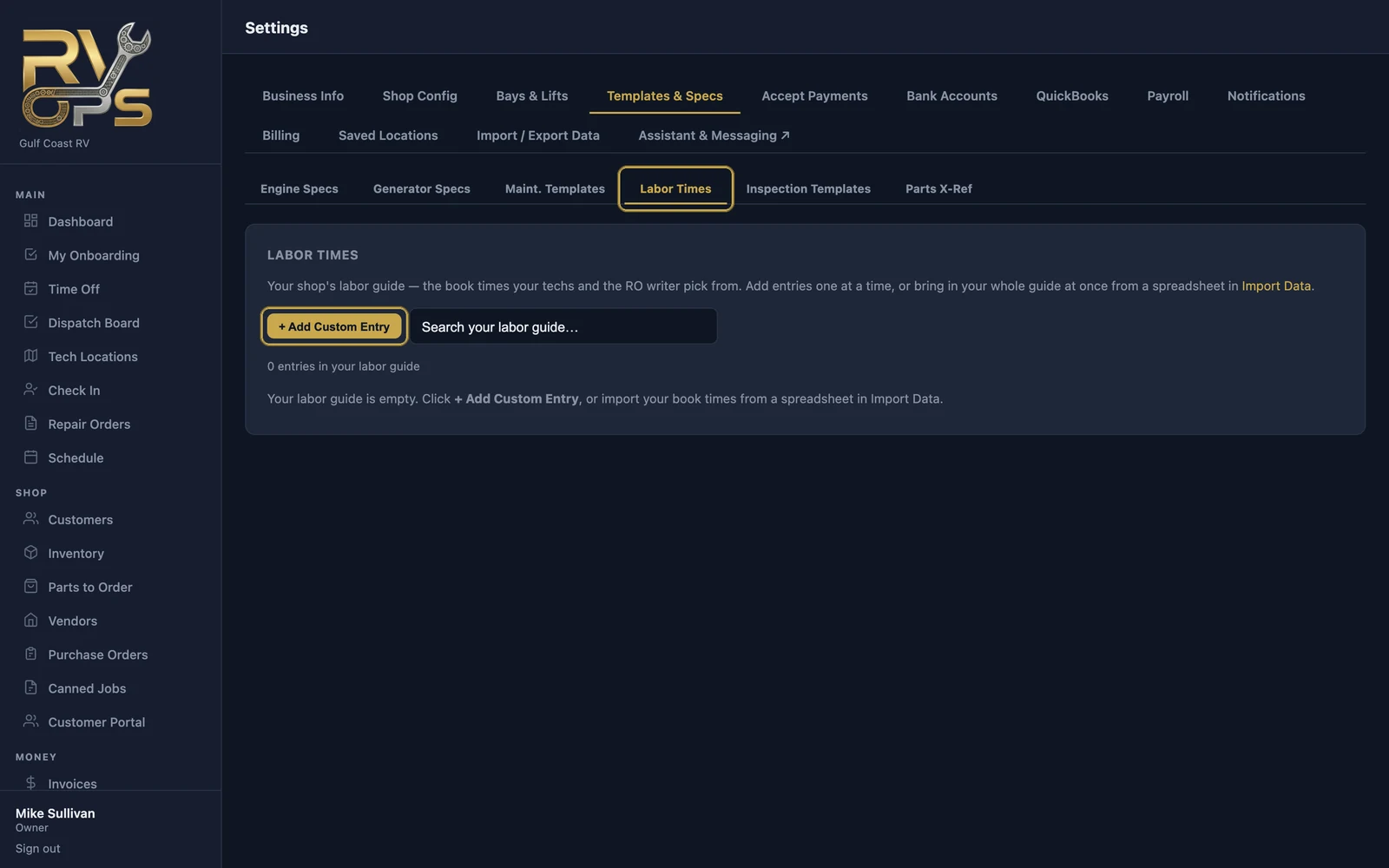
Add entries one at a time
- Open Settings → Templates & Specs → Labor Times.
- Click + Add Custom Entry.
- Enter the description, the flat rate hours and an optional rate code, and save.
Import your whole guide
If you keep your book times in a spreadsheet (or can export them from another system), import them all at once: Settings → Import / Export Data → Labor guide (book times). See Importing Your Data.
Using it
When you add labor to a repair order, start typing the description. Matching entries from your guide appear — pick one and its hours fill in.
Build your guide as you go: each time you write up a job you'll do again, add it. Within a few months most of your common jobs will be one click.
Still stuck? Send us a message (or email [email protected]) and tell us what you were trying to do — we answer within one business day.