 MarineOps
 Service Reminders
Service reminders bring customers back. MarineOps watches each boat's maintenance schedule and emails the owner when something is overdue or coming due — roof reseal, wheel bearings, generator service.
Give each boat a schedule
- Open the boat's page (Customers → the customer → History next to the boat).
- Click Apply Template to load the standard schedule for that boat type, or add items one at a time.
- Mark items ✓ Done as you service them. Canned jobs can mark items done automatically (see Canned Jobs).
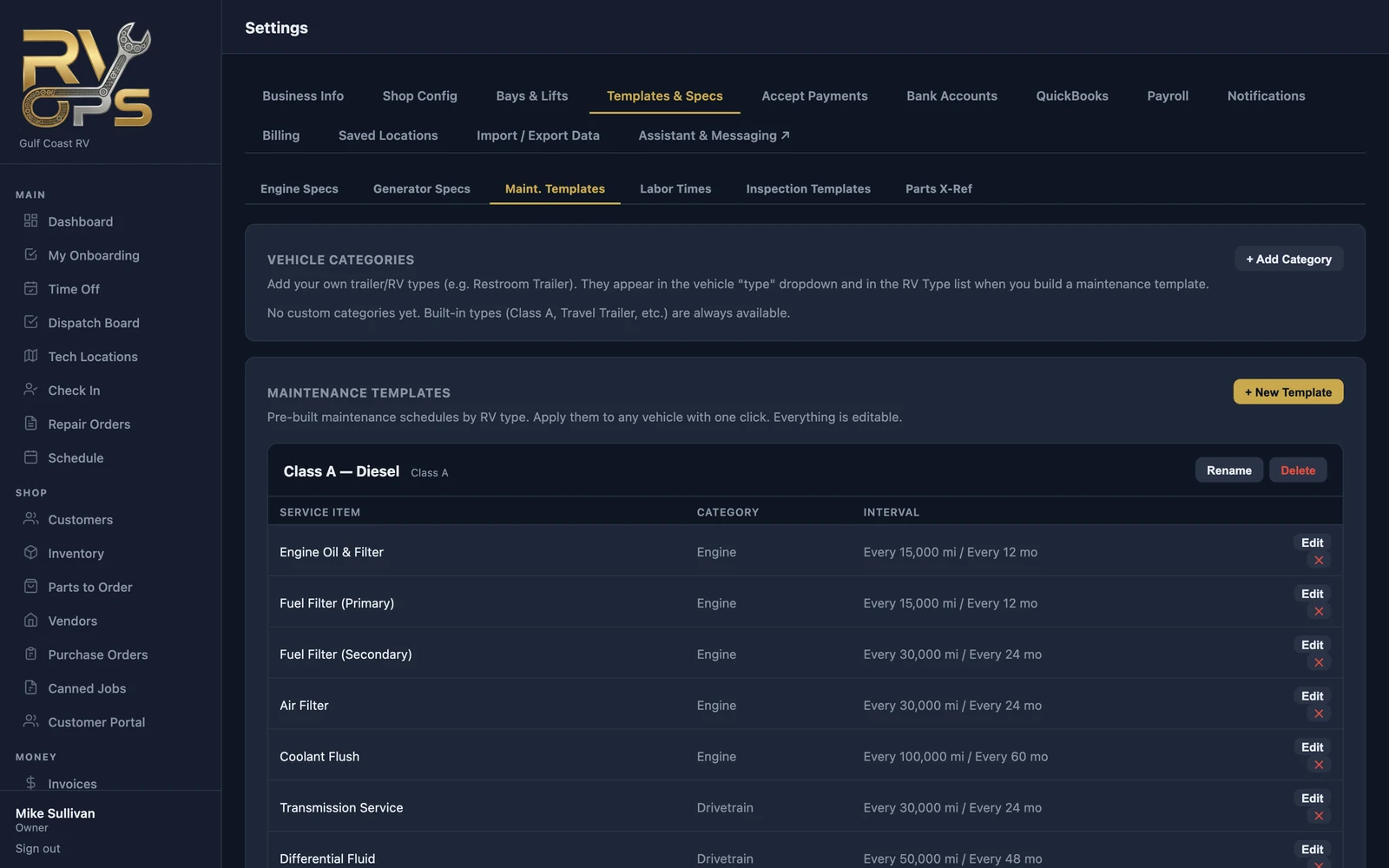
Edit the templates themselves — intervals, items, boat types — under Settings → Templates & Specs → Maint. Templates.
Naming items your way ("Counts as")
Every maintenance item has a Counts as setting: the standard service it is, like "Engine oil & filter" or "Roof & sealant." Name items anything you like; Counts as keeps canned jobs marking the right item done, and keeps your customers' CampSavvy app updating the right part of their schedule. More in Maintenance Records & CampSavvy. The built-in items are already set. When you add your own item, pick what it counts as, or Shop-only for work that isn't a standard service.
Send reminders
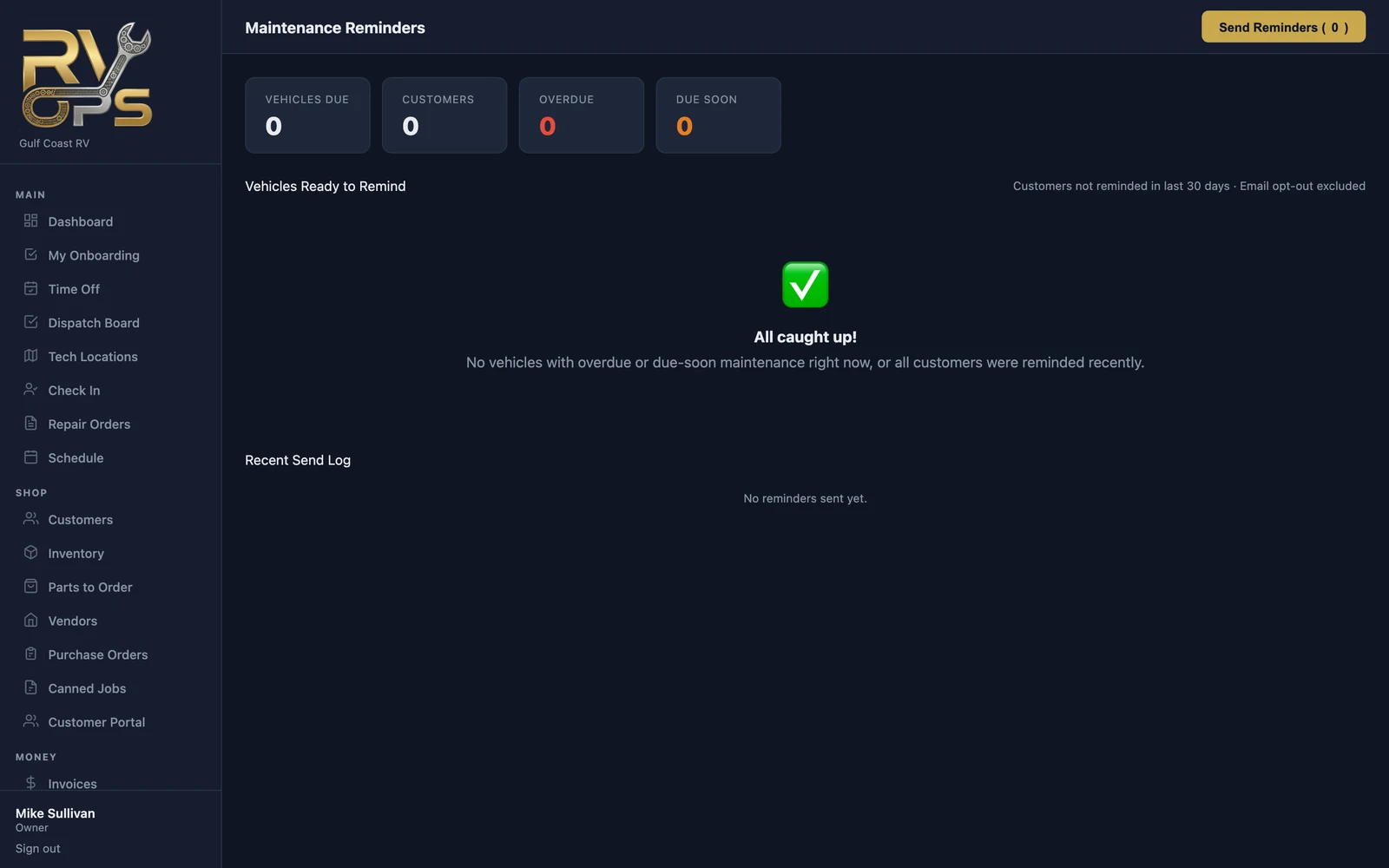
Open Money → Reminders. It lists every boat with overdue or due-soon items whose owner hasn't been reminded in the last 30 days (customers who opted out of email are skipped). Click Send Reminders to email them all.
Send them automatically
Under Settings → Notifications, turn on Maintenance reminder emails, choose how far ahead to remind (30, 60 or 90 days), and pick a day of the week. MarineOps sends them for you every week. Preview Who Gets an Email shows the list first.